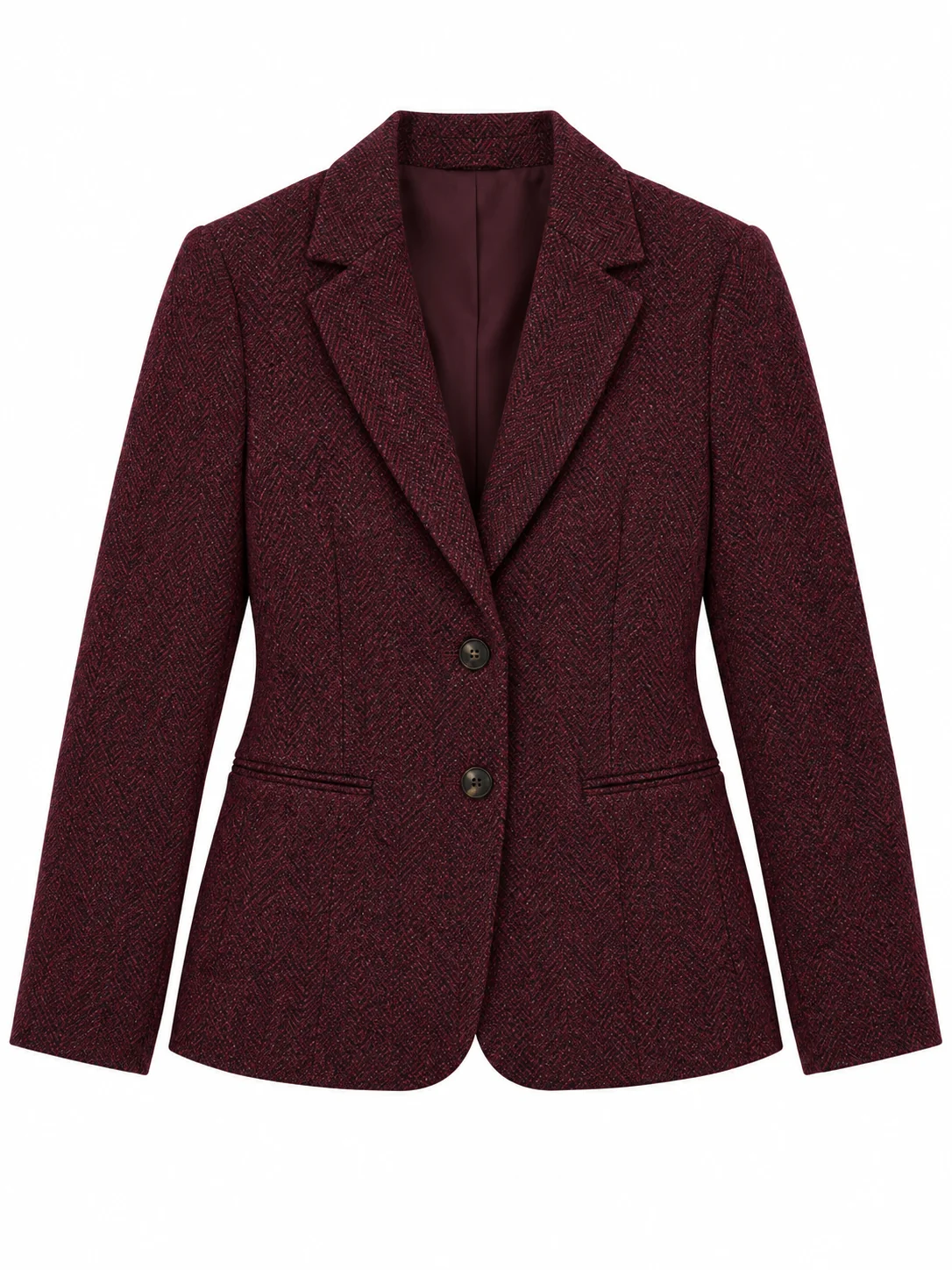
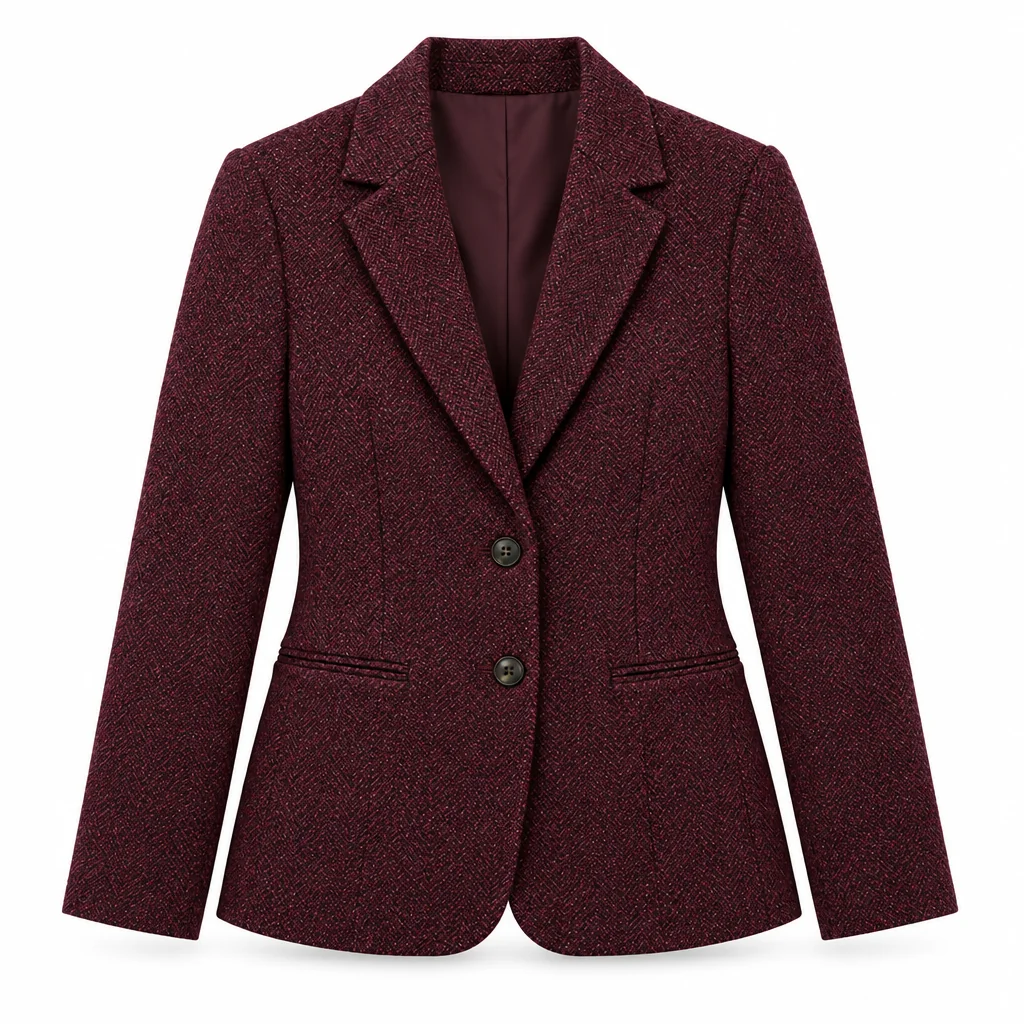
Each set is a complete prompt. Copy it, or open it in the studio with the model, aspect ratio and resolution it was written for.
Single Hero White Background
The standard approach: one product centred with a correct shadow.
Nano Banana 2image → image1:1 · 2K
Reference photos: One product photo, ideally shot straight on from the front. The geometry, material, colour and any text in the source image must all be preserved.
Convert the reference product photo into a clean marketplace white-background product shot. Preserve the exact geometry, proportions, material, colour and any text or logo of the product in the reference image; do not redesign, idealise or restyle the object, and do not add or remove features. Framing: the product stands upright, centred, filling about 85 percent of the frame width with even margins and no cropping of its outline, shot from the front at a slightly above-centre eye level so the top surface is partly visible. Light: a large soft box from the upper left plus a white bounce on the right, even exposure across the whole surface, one soft rectangular reflection running smoothly along glossy areas with no blown highlights. Shadow: a single soft contact shadow directly beneath the object, slightly larger than its base and fading within a few centimetres, no second shadow and no cast shadow on the wall. Background: pure white at maximum brightness with no colour cast and no gradient. Details: keep small texture features such as seams, grain, stitching and printed text sharp and readable. Photographic product photography, 1:1 framing, no props, no text added to the image, no watermark.
Negative prompt
added props, redesigned product, changed logo, colour cast, grey background, double shadow, blown highlights, reflection artefacts, watermark
Reference only — the image models available here do not take a separate negative prompt, so this list is guidance for editing the prompt above.
Why this works: The standard option. If the product shape gets adjusted, move the sentence about preserving geometry and text to the front of the prompt and delete any beautifying adjectives.
Four Angle Catalog Set
When you need front, side, top and detail frames of the same item.
Nano Banana Proimage → image4:5 · 2K
Reference photos: One product photo. This prompt generates the front hero frame, and the other angles reuse the same prompt with only the viewpoint sentence changed.
Create the front-view frame of a four-angle catalog set for the product in the reference image, in a marketplace white-background style. Preserve the exact geometry, proportions, material, colour and any printed text or logo of the product; do not redesign or idealise it. Framing: the product centred and upright, filling about 85 percent of the frame width, shot from the front at product eye level, vertical 4:5 framing with even margins. Light: a large soft box from the upper left with a white bounce card on the right so the surface is evenly exposed and glossy areas carry one smooth rectangular reflection; no hotspots. Shadow: a single soft contact shadow directly under the base, slightly wider than the product, fading quickly, plus one very faint floor gradient to prevent the object from looking pasted. Background: pure white with no colour cast. Detail: material texture, grain, stitching, seams, small printed text and edge highlights all rendered sharply and legibly. Photographic studio product photography, no props, nothing added to the frame, no visible light stands, no watermark.
Negative prompt
props, altered logo, colour cast, grey or gradient background, hard shadow, multiple reflections, cropped outline, watermark
Reference only — the image models available here do not take a separate negative prompt, so this list is guidance for editing the prompt above.
Why this works: The first frame of the multi-angle set. Once you are happy with the result, change only 'shot from the front' to 'from a forty-five degree angle', 'from directly above' or 'a close-up of the detail', and leave everything else untouched.
Apparel Flat Lay White
Flat lay on white for apparel and fabric, which platforms often require.
Seedream 5 Proimage → image1:1 · 2K
Reference photos: One apparel or fabric product photo. The flat lay option wants the item neatly folded and laid flat rather than worn, so the reference is best as a hanging or flat lay shot.
Turn the reference apparel photo into a flat-lay white-background catalog image. Preserve the exact garment type, cut, fabric colour, print, pattern, buttons, zips, stitching and any woven labels and printed text from the reference; do not redesign the item and do not add or remove details. Presentation: the garment is neatly folded into a rectangle with symmetrical sleeves tucked under the body, front facing up, laid completely flat with no wrinkles except two soft natural folds that show the fabric thickness, filling about 80 percent of the frame with even margins. Light: even diffused light from directly above plus a low-angle fill, no colour cast, fabric texture and weave clearly visible, dark colours staying genuinely dark rather than washing out, whites clean but not blown. Shadow: one soft contact shadow along the folded edges only, no heavy drop shadow. Background: pure white with a faint paper texture hinting at a shooting surface. Overhead camera, 1:1 framing, photographic product photography, no props, no mannequin, no text added to the image, no watermark.
Negative prompt
mannequin, props, changed pattern, wrinkled mess, washed out dark fabric, blown white, colour cast, watermark
Reference only — the image models available here do not take a separate negative prompt, so this list is guidance for editing the prompt above.
Why this works: The flat lay option. If dark garments get brightened, add 'dark colours stay deep with the original value' and cut the overall exposure description in half.
Text-Only Product Sample
Page samples and low-cost stress testing.
Nano Banana 2 Litetext → image1:1 · 1K
A marketplace white-background product photograph of a generic matte ceramic mug with a simple handle and one small unprinted label area, standing upright in the centre of a square frame and filling about 85 percent of the frame width. Camera at product eye level with the top opening partly visible. Lighting: a large soft box from the upper left with a white bounce on the right, even exposure across the surface, one smooth rectangular reflection running down the side, no blown highlights. Shadow: one soft contact shadow directly beneath the base, slightly wider than the mug, fading within a few centimetres, no second shadow. Background: pure white with no colour cast and no gradient. All edges crisp and clean, no props, no text or packaging copy added, photographic studio product photography, no watermark, no HDR.
Why this works: The text-only sample option, the cheapest one. It covers pages where no product has been uploaded yet; the object is deliberately the simplest possible item so the lighting is easy to judge.