GPT Image 2.5 is live on Callirra

GPT Image 2.5 on Callirra. Free credits included.

GPT Image 2.5: Flare for speed, Sunburst for quality. Generate and edit with transparent backgrounds, 1K–4K output and up to 16 references. Select resolution and quality together and review the quote before generation.

Use GPT Image 2.5 on Callirra

Loading...

Creative workspace

Image Generator

0 / 20000
Cost 6 creditsRemaining 0 credits
Sign In to Generate Image
Buy Credits

Current creation

Your next creation starts here

Your generated image or video will appear here.

Recent Tasks

Creative archive

Your work, prompts and settings. Keep creating.

Loading...

Free plan · no card required

Start with 18 free credits, then 15 every week

GPT Image 2.5 is not behind a subscription. A new account's first week is worth 18 credits — the 15-credit weekly grant plus a 3-credit welcome bonus — and every week after that lands the standard grant. Enough for a real test run, and the images are yours to keep.

  • Week one: 6 images at 1K + low (3 credits each)
  • Every week after: 5 images at 1K + low (15 credits)
  • 1K + high: 3 images in week one or 2 weekly (6 credits each)
  • 2K + high: 1 image weekly (10 credits)

Credits reset every Monday (UTC) and do not roll over. 4K + high (16 credits) fits in the first week but needs a top-up after that; 4K + max (35 credits) needs a top-up.

Generate with free credits
Open source · CC BY 4.0

The GPT Image 2.5 Prompt Atlas

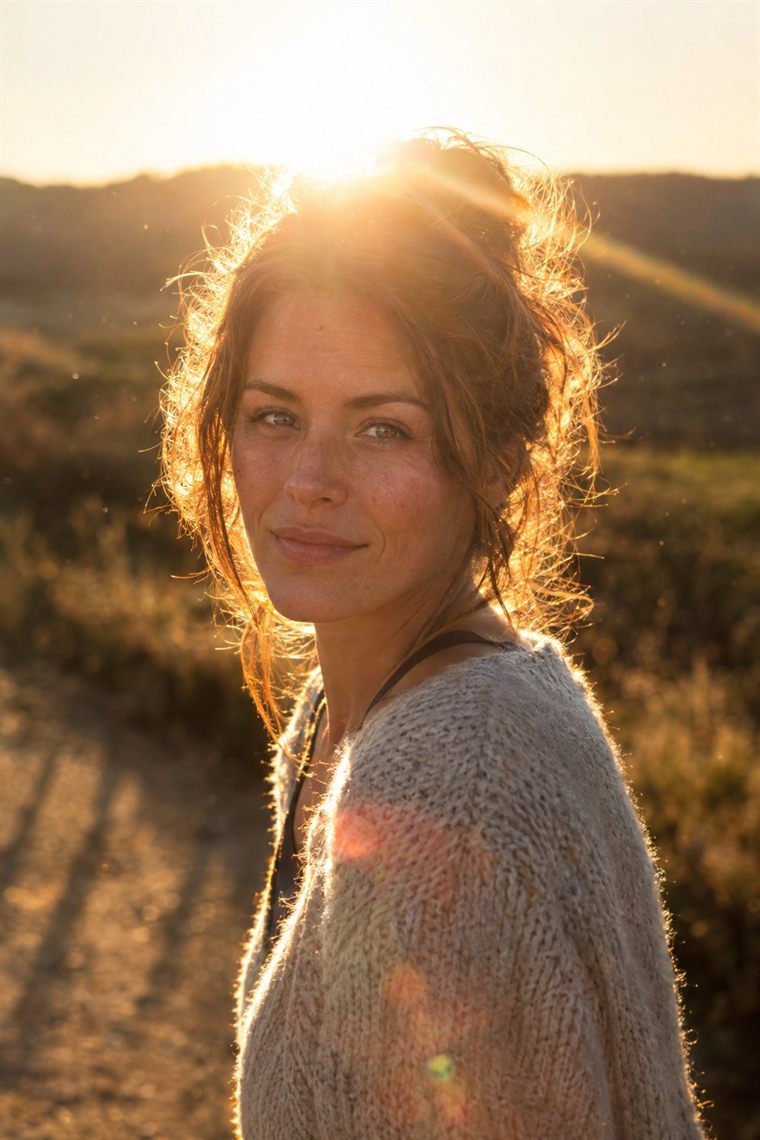
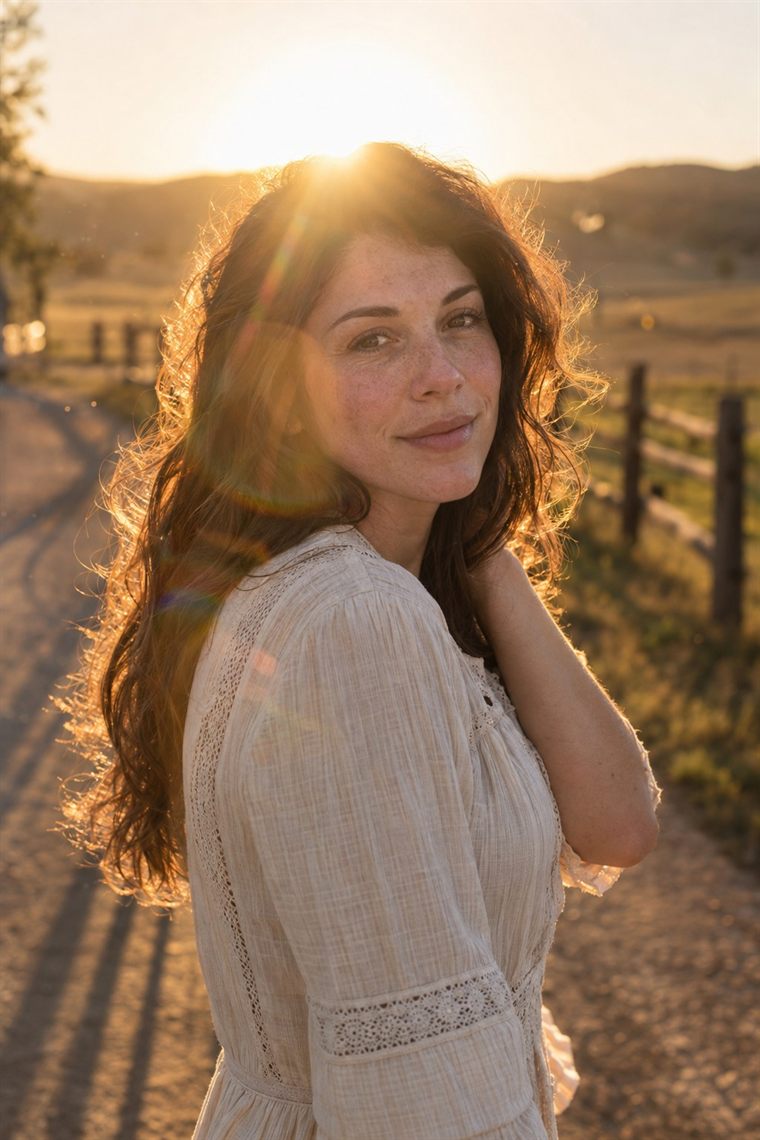
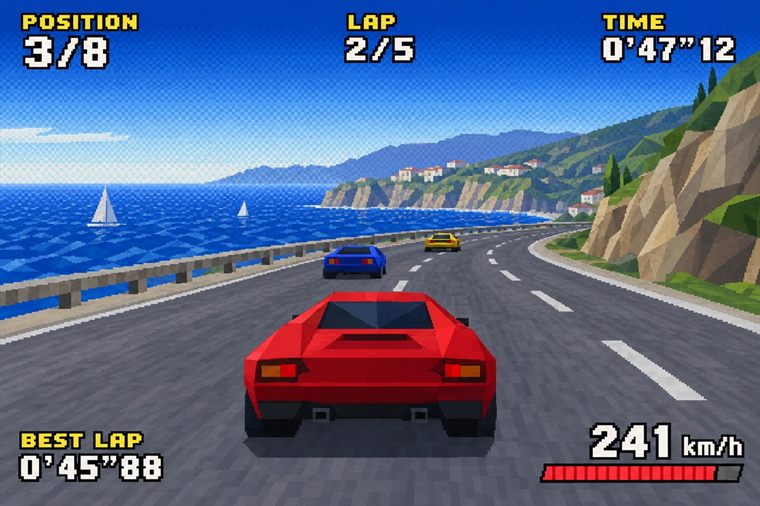
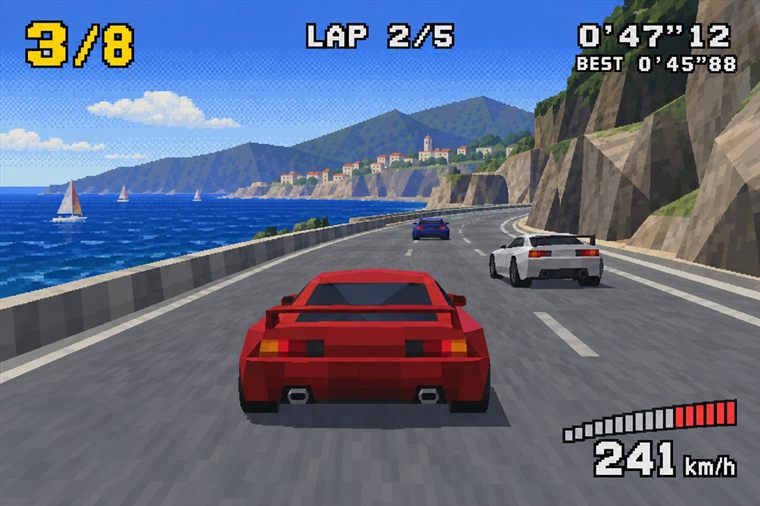
This gallery is our public atlas: 50 prompts, each shipped with the exact render it produced and the measurements behind it — tier, output axis, aspect ratio, pixel size and generation time. Every card above can be loaded straight into the generator.

  • 50 prompts: 20 short, 30 full production briefs
  • Each frame reproducible from its recorded settings
  • Flare vs Sunburst measured on the same five prompts

Free to reuse with attribution. Each card also links to its case page, which holds the prompt file, the settings record and the full-size frame.

Open the atlas on GitHub

Share

Share

Share this tool.

Same prompt, stylised output

Send the identical prompt to GPT Image 2.5 Sunburst and compare the two rendering styles before you commit to one look.

Open Sunburst →

Check what an image costs

The credit-cost table lists every image and video model, so you can budget a batch before you start generating.

Open credit costs →

Model variants

GPT Image 2.5 Flare

Speed focused

Choose Flare for fast image generation and editing. Describe the photographic, illustrated or graphic style you want in the prompt.

Best for: Product shots, editorial portraits, ads, UI mockups and any prompt that has to look photographed rather than painted.

Generate with Flare →Flare guide →

GPT Image 2.5 Sunburst

Quality focused

Choose Sunburst for demanding image quality and precise edits. Describe the intended style and inspect the result for your task.

Best for: Posters, album and book art, character design, thumbnails and playful social assets.

Generate with Sunburst →Sunburst guide →

Model specs

Model family
GPT Image 2.5 (Flare / Sunburst)
Modes
Text to image · Image to image
Resolutions
1K · 2K · 4K
Aspect ratios
auto, 1:1, 2:3, 3:2, 3:4, 4:3, 4:5, 5:4, 9:16, 16:9, 21:9
Prompt length
Up to 20,000 characters
Reference images
Up to 16 per image-to-image run
Credit price
3–35 credits per image across 1K/2K/4K × low/medium/high/xhigh/max; default 1K + high is 6 credits
Free plan
Included — 18 free credits in week one, then 15 every week, from 5 images a week at the entry tier
Billing
One shared credit pool with a clear price before every generation

GPT Image 2.5 credit cost

1K · low

3 credits

5 images a week

1K · medium

4 credits

3 images a week

1K · high

6 credits

2 images a week

1K · xhigh

9 credits

1 image a week

1K · max

13 credits

1 image a week

2K · low

5 credits

3 images a week

2K · medium

7 credits

2 images a week

2K · high

10 credits

1 image a week

2K · xhigh

15 credits

1 image a week

2K · max

22 credits

needs a top-up

4K · low

8 credits

1 image a week

4K · medium

11 credits

1 image a week

4K · high

16 credits

needs a top-up

4K · xhigh

24 credits

needs a top-up

4K · max

35 credits

needs a top-up

How it works

1. Pick a variant and a mode

Flare prioritizes speed; Sunburst prioritizes quality. Both can generate and edit images. They are not fixed photography and illustration modes: describe the desired style in your prompt and compare them on your own task.

2. Write the prompt (and add references)

Up to 20,000 characters, so you can paste a full art direction. For image-to-image, upload up to 16 reference images and describe how they should combine.

3. Pick an output tier and generate

Choose both a resolution (1K, 2K or 4K) and a quality (low to max). The two choices set a single price of 3–35 credits per image. The price is shown before you generate, and results land in your history ready to download or reuse.

What is this for

Up to 40% below official list pricing

For comparable GPT Image 2.5 settings, Callirra is priced up to 40% below the official reference price. Choose your resolution and quality, see the lower quote before generation and keep the same low rate across your workflow.

Usable on the Free plan

GPT Image 2.5 is not locked behind a subscription. A new account's first week is worth 18 free credits (6 images at 1K + low), and every week after that lands 15 — 5 images at 1K + low, 3 at 1K + medium, or 2 at 1K + high.

One account, one credit pool

GPT Image 2.5 uses the same Callirra credits as every other model, with a clear quote before each generation and automatic refunds for failed runs.

Two model choices, one credit pool

Flare prioritizes speed; Sunburst prioritizes quality. Both can generate and edit images. They are not fixed photography and illustration modes: describe the desired style in your prompt and compare them on your own task.

Real image-to-image

Up to 16 reference images per run, so you can lock a character or a product and only change the scene, the light or the styling.

Prompts stay with you

Saved prompts, task history and generated assets live in your account. Re-run a prompt, tweak one line and compare the results side by side.

Built for iteration

Resolution is a per-run choice, so you can explore ideas at 1K and render the winner at 4K instead of paying top price for every attempt.

FAQ

Is GPT Image 2.5 available on Callirra right now?

Yes. Both GPT Image 2.5 Flare and GPT Image 2.5 Sunburst are live, and this page embeds the generator so you can start from here.

Can I use GPT Image 2.5 on the Free plan?

Yes. GPT Image 2.5 is one of the models included in the Free plan. A new account's first week carries 18 credits (the 15-credit weekly grant plus a 3-credit welcome bonus) and every week after that carries 15; the allowance resets weekly and does not stack. At 1K + low (3 credits), that is 6 images in week one and 5 each week after. At 1K + high (6 credits), it is 3 images in week one and 2 weekly. 4K + high costs 16 credits and fits in week one; 4K + max costs 35 credits and needs a top-up.

How many credits does one GPT Image 2.5 image cost?

Pick a resolution and quality together. At 1K the low/medium/high/xhigh/max prices are 3/4/6/9/13 credits; at 2K they are 5/7/10/15/22; at 4K they are 8/11/16/24/35. The cost is shown in the generator before you press generate, and failed generations are refunded automatically.

How do I start with GPT Image 2.5?

Open the generator, choose Flare or Sunburst, pick the output tier and start with your Callirra credits.

Does it support image-to-image?

Yes. Image-to-image accepts up to 16 reference images per run, which is enough for character consistency, product placement and multi-image composition.

What resolutions and aspect ratios are supported?

1K, 2K and 4K, with auto, 1:1, 2:3, 3:2, 3:4, 4:3, 4:5, 5:4, 9:16, 16:9, 21:9.

How long can my prompt be?

Up to 20,000 characters, so long art-direction briefs, brand rules and negative constraints all fit in one prompt.

Can I generate text inside the image?

Yes. GPT Image 2.5 handles in-image typography well for short strings such as titles, labels and menu items — keep the text short and quote it explicitly in the prompt for the best accuracy.

Do I need a subscription to keep using it?

No. Credit packs are available after your first subscription, but for occasional use the weekly free credits and any credit balance are enough — there is no requirement to stay subscribed.

Where do my generated images go?

Into your Callirra history, grouped per task. You can reopen, download or delete them at any time, and delete only hides them from your account — we never silently purge your library.

Why use Callirra instead of calling the model yourself?

Callirra puts the model, prompt tools, history and one clear credit price in a single creative interface.

How should I choose between GPT Image 2.5 Flare and Sunburst?

Flare prioritizes speed; Sunburst prioritizes quality. Both can generate and edit images. They are not fixed photography and illustration modes: describe the desired style in your prompt and compare them on your own task.

Does 4K mean maximum quality in GPT Image 2.5?

No. Resolution sets output dimensions; quality sets the rendering effort. Callirra lets you select both, such as 2K + high. Higher resolution does not automatically select max quality. Review the quote after changing either control.

How do I get a transparent background with GPT Image 2.5?

Select Transparent in Background and choose PNG or WebP. JPEG cannot store transparency. A white backdrop or a drawn checkerboard is not a transparent image; download the original file and check its alpha channel.

Is the official GPT Image 2.5 price a fixed price per image?

OpenAI publishes token rates. The total depends on the selected output settings and input usage, including reference images. Compare matching settings and distinguish an output estimate from the complete API bill. Callirra shows its own credit quote before generation.

How can I improve text and preserve details during an image edit?

Quote the exact text, describe its placement, and state which reference details must remain unchanged. Ask for one focused change per edit, then inspect spelling and small details before publishing.
Callirra is an independent platform. Model names and trademarks belong to their respective owners. Callirra is not affiliated with, endorsed by, or sponsored by the model creators listed on this site.

Use GPT Image 2.5 without the infrastructure work

Open the generator, spend free weekly credits or top up, and get 2.5-quality images in minutes — one account, one credit pool.

Try GPT Image 2.5 Free