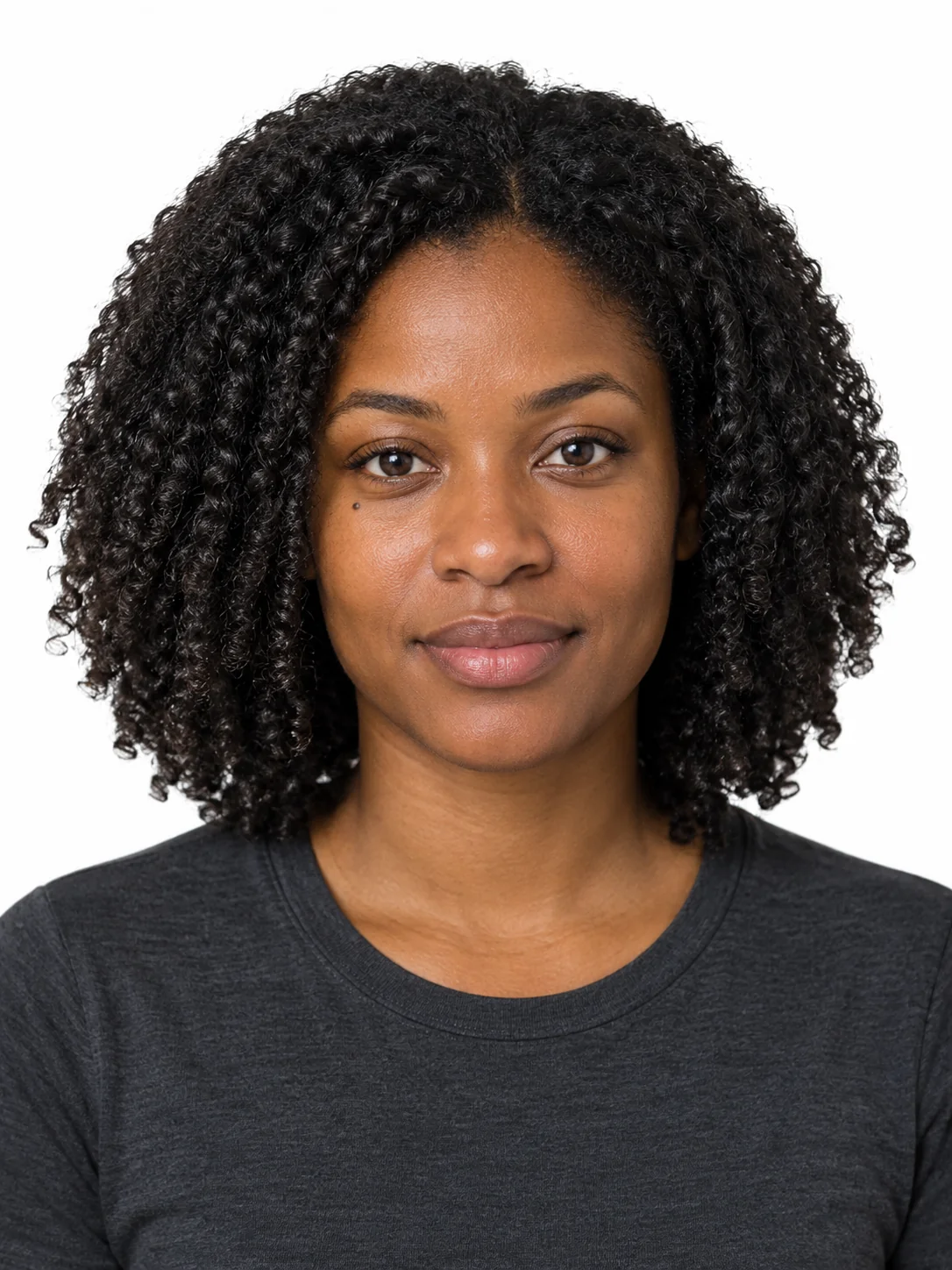
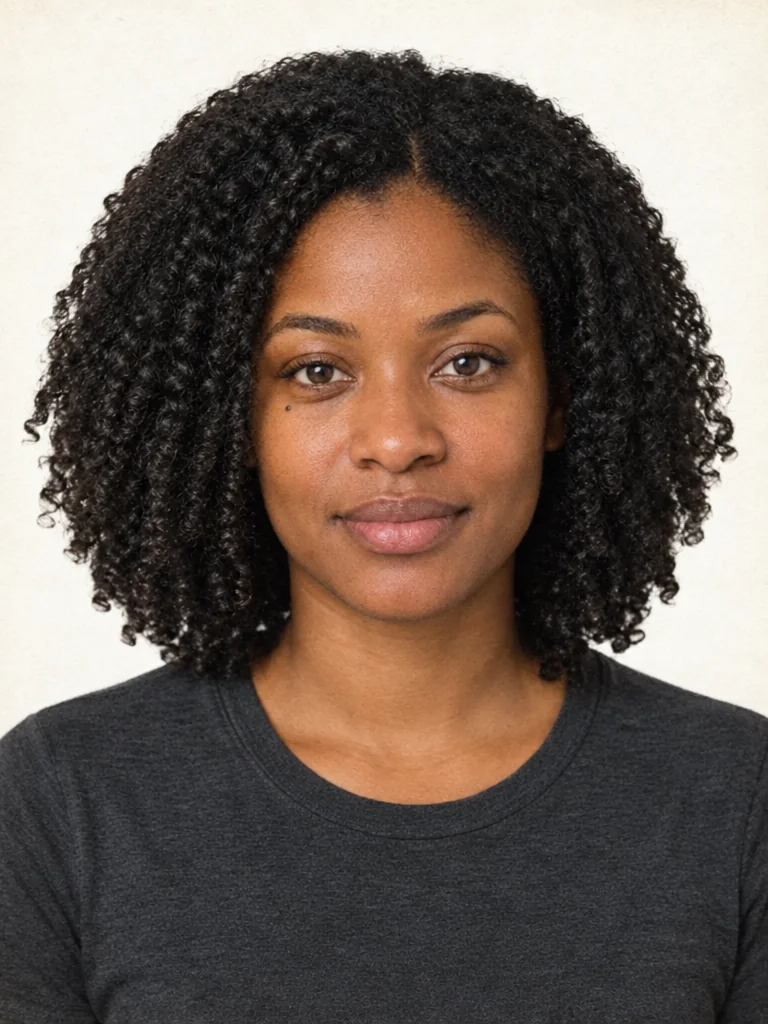
Each set is a complete prompt. Copy it, or open it in the studio with the model, aspect ratio and resolution it was written for.
Light Cleanup Scan
There is only dust and a slight colour cast, so the change is minimal.
Nano Banana 2image → imageauto · 2K
Reference photos: One scan of an old photo. Check the problem first: use this entry only when there is dust and a slight colour cast, because it changes the least and has the lowest failure rate.
Restore the old photo in the reference image with minimal intervention. Rules, in order: do not alter facial features, proportions, expression or identity of the people in the photo; only repair damage, never redraw the subjects; keep the exact original framing, crop and border of the scan. Repair tasks: remove dust specks, fine scratches, hairline cracks and fingerprint smudges; even out the mottled discolouration across the background; reduce the yellow cast toward neutral while keeping a slight warm vintage tone; recover some shadow detail without lifting the blacks into grey. Preservation: keep the original grain, the slightly soft focus, the original tonal curve and the paper fibre texture so the result still reads as an old photograph, not a modern digital file. Tone: gentle contrast with details visible in both faces and clothing, no clipped highlights, no crushed shadows, no added digital sharpness and no upscaling artefacts. Do not add any new objects, do not remove any people, do not change the background layout unless the background is damaged. Output the same aspect ratio as the input scan, no added border, no watermark.
Negative prompt
altered faces, redrawn subjects, digital sharpness, over-smoothed skin, saturated colour, added objects, changed composition, white frame, watermark
Reference only — the image models available here do not take a separate negative prompt, so this list is guidance for editing the prompt above.
Why this works: The light entry. If the output is clearly newer-looking, move the two sentences about preserving the grain and the soft focus to the front and push the rest of the description back.
Heavy Damage Repair
There are scratches, creases, water stains or missing corners that have to be painted back in.
GPT Image 2.5 Flareimage → image3:4 · 2K
Reference photos: One badly damaged scan with creases, water stains and missing corners. The more corners are missing, the more firmly 'never redraw the facial features' has to be stated.
Repair a badly damaged family photograph from the reference image while keeping everything about the people unchanged. Absolute rules: do not alter facial features, eye shape, expression, proportions or identity; only repair damage, never redraw the subjects; keep the original framing and crop. Damage to repair: fill the vertical crease running through the middle with matching tone and grain, remove the water stain across one corner, reconstruct the missing corner area using the surrounding pattern, remove tape residue, erase pen marks and dust, and close the crack lines so no patch shape remains visible. Continuity: every repaired area must continue the surrounding grain, tonal value and colour balance seamlessly, so that no boundary between repaired and original areas can be seen. Preservation: keep the original film grain, the slight softness of the focus and the aged paper texture; keep the tonal character of the era, with mild fading at the edges and slightly yellowed highlights. Do not add digital sharpness, do not smooth skin, do not change the light direction, do not add or remove people or objects. Output the same composition as the original scan with no added border, no colour grading beyond neutralisation of the stains, no watermark.
Negative prompt
altered faces, invented details, visible patch edges, digital sharpness, smoothed skin, saturated colour, changed crop, added border, watermark
Reference only — the image models available here do not take a separate negative prompt, so this list is guidance for editing the prompt above.
Why this works: The heavy entry. Painted-in areas have to connect to the surrounding grain and tonal values, otherwise a patch is visible, and this is the sentence that needs the most emphasis in this template.
Memory Portrait Restore
Restoring a relative who has passed away while keeping the period feel, rather than turning it into a modern photo.
GPT Image 2.5 Flareimage → image2:3 · 2K
Reference photos: One portrait-type old photo of a single person. This entry prioritises keeping the person's expression and manner, because family members are extremely sensitive to whether the likeness holds.
Carefully restore a single-person portrait from the reference image, treating the subject's identity and expression as untouchable. Rules: do not alter facial features, eye shape, eyebrows, mouth, hairstyle, expression, proportions or identity in any way; only repair damage and improve legibility, never redraw or idealise the person; keep the original pose, framing and crop. Repair: remove scratches, dust and speckles; reduce the haze and yellow cast; recover the detail in the eyes, hair and clothing edges; even out the faded areas so the face reads clearly while the edges stay slightly lighter; remove any stains without introducing new marks. Preservation: keep the original film grain, the shallow depth of field, the tonal curve of the era and the paper texture; the result must still look like a well-kept old photograph rather than a modern portrait. Do not beautify, do not reshape the face, do not add catchlights that were not there, do not change the background beyond cleaning it. Output the same composition and aspect ratio as the scan, with no added border and no watermark.
Negative prompt
beautified face, reshaped features, changed expression, added catchlights, digital sharpness, smooth plastic skin, colour saturation, new background, watermark
Reference only — the image models available here do not take a separate negative prompt, so this list is guidance for editing the prompt above.
Why this works: The emotional entry. Here the likeness matters far more than the sharpness, so it is better to repair less than to redraw the face.
Text-Only Restore Sample
Page samples and low-cost load testing.
Nano Banana 2 Litetext → image1:1 · 1K
A restored vintage black-and-white portrait of a generic adult leaning slightly toward the camera against a plain studio backdrop, presented as an example of careful photo restoration. The image shows the character of a well-kept old print: fine original film grain, slightly soft focus, gentle contrast with open shadows, a faint warm tone in the highlights, and a subtle paper texture across the frame. The subject's hair, clothing and backdrop are all rendered in soft midtones with clean edges and no digital artifacts. Lighting comes from one soft source at the upper left as in a period studio portrait, with no added catchlights and no modern retouching. Present it as an honest restoration: no sharpening halos, no smoothing, no invented detail, no added border, no colour grading beyond a neutral black and white with a slight vintage warmth, no text and no watermark.
Why this works: The text-only sample entry, the cheapest one. It covers pages that have nothing to upload; for a real restoration, use one of the first three entries and upload a scan.