
AI image studio
Seedream 5.5
Image generation and editing for editorial work
Create a cover, a product still life, or a set of campaign images. Start with a brief, refine the composition with references, or split an existing image into separate layers.
1K or 1.5K from text. Edit with up to 10 references or split a single image into layers.
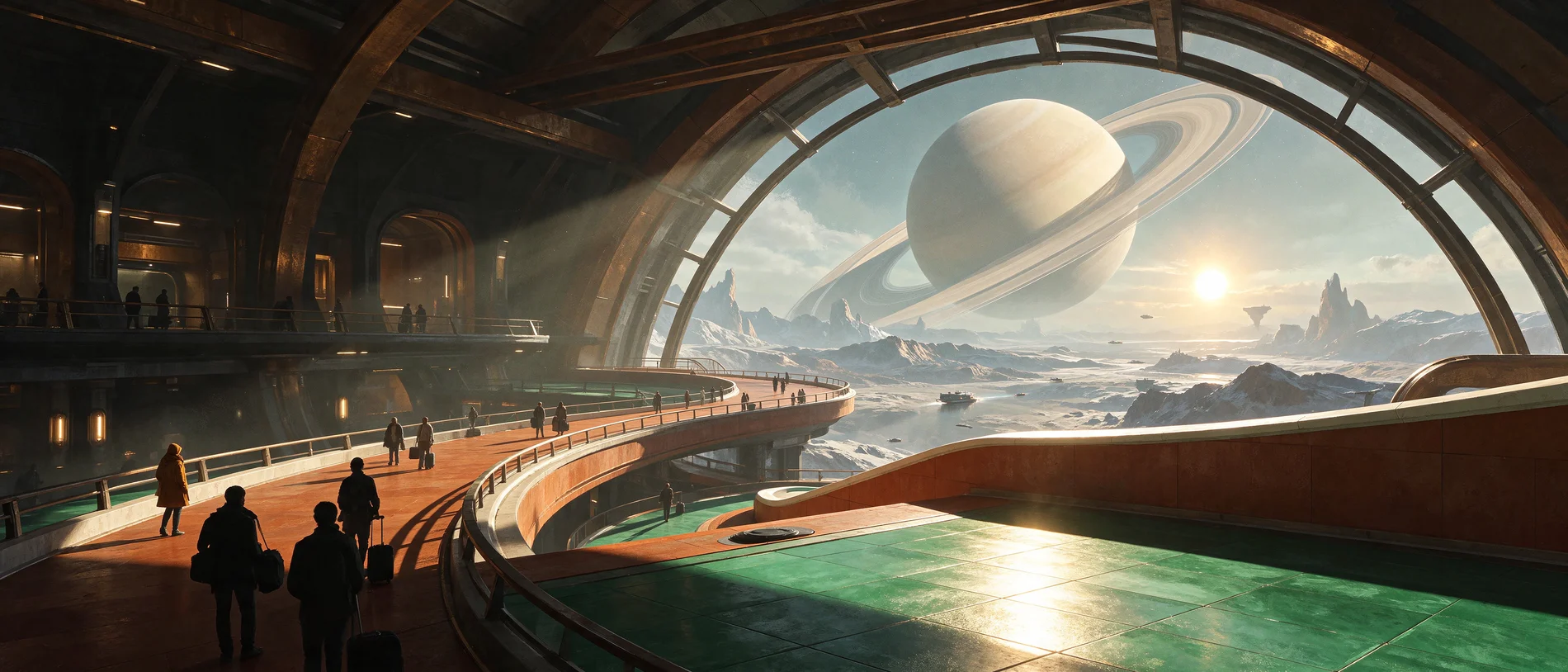
The station beyond Earth
Prompt 2K · 21:9
Wide retro-futurist science-fiction concept art inside the public arrival hall of a station beyond Earth. The enormous curved window looks onto Saturn's pale rings, with tiny ferries crossing far below. Silhouettes of a few commuters and their bags in the foreground, a winding terracotta pedestrian ramp and frosted emerald tiles. Bright sun from the lower right draws hard stripes through the beams, with cool skylight above. Painterly production design, believable perspective, crisp focal hierarchy, no readable text.
Tide Station
Follow a miniature coastal station through 20 edits, from morning light to blue hour. Each edit uses the previous image as its reference. View the full images one at a time or play them in sequence. Choose any two versions and drag the slider to compare them.
Edit 20 · Breaking surf
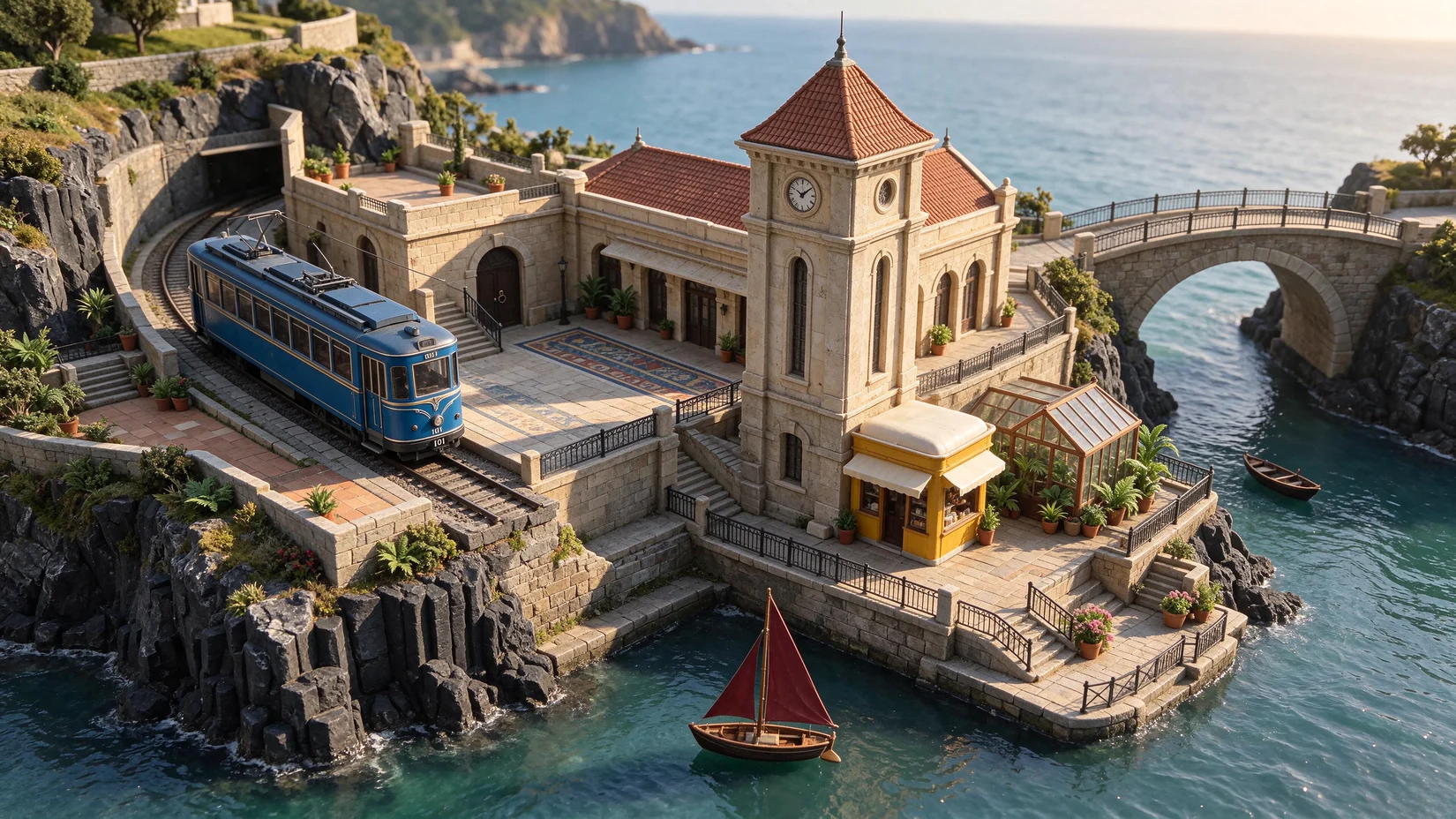
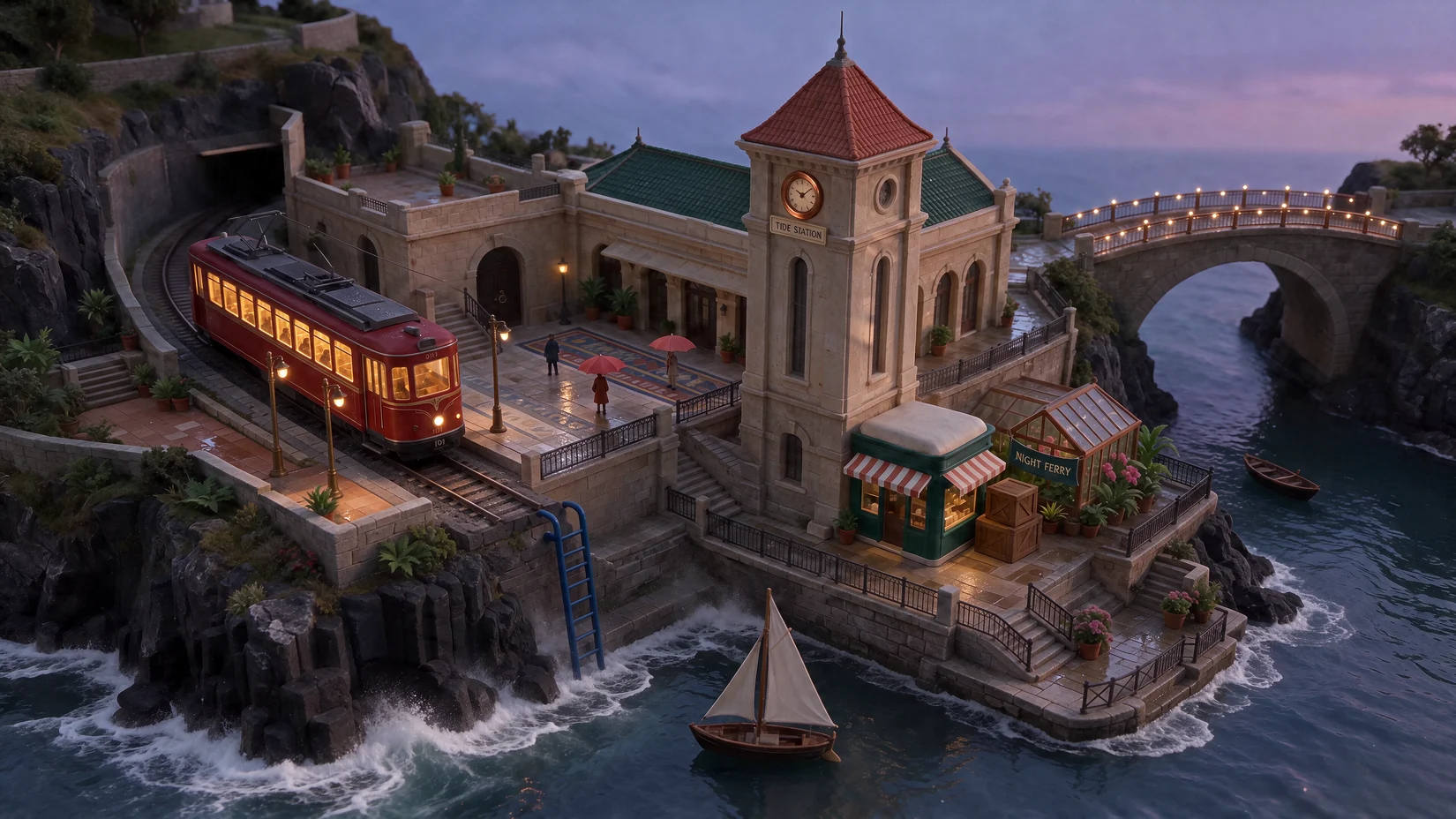
Breaking surf
- Requested change
- Add white surf and sea spray at the foot of the basalt ledge.
- Asked to preserve
- The camera angle, framing, composition, earlier edits, and details outside this request.
- Prompt
- Add bright white breaking surf at the foot of the basalt ledge and thin windblown sea spray against the lower rocks. Keep the water calm around the ivory-sailed boat, preserve the boat position, and leave the station, people, and all typography untouched. Use the immediately supplied image as the only source. Match its camera angle, crop, perspective, composition, shapes, and object positions. Retain all prior changes and all details outside the requested edit.
Create with Seedream 5.5
Loading...
Creative workspace
Image Generator

Suggested structure
Subject → setting and framing → light and color → visual style
Example prompt
An overhead photo of a teal ceramic cup on pale linen, soft window light from the left, subtle shadows, muted colors.
Current creation
Your next creation starts here
Your generated image or video will appear here.
Recent Tasks
Creative archive
Your work, prompts and settings. Keep creating.
Loading...
Image studies
Open a study to see the prompt and settings behind the image. Bring the same setup into the generator and adapt it to your brief.
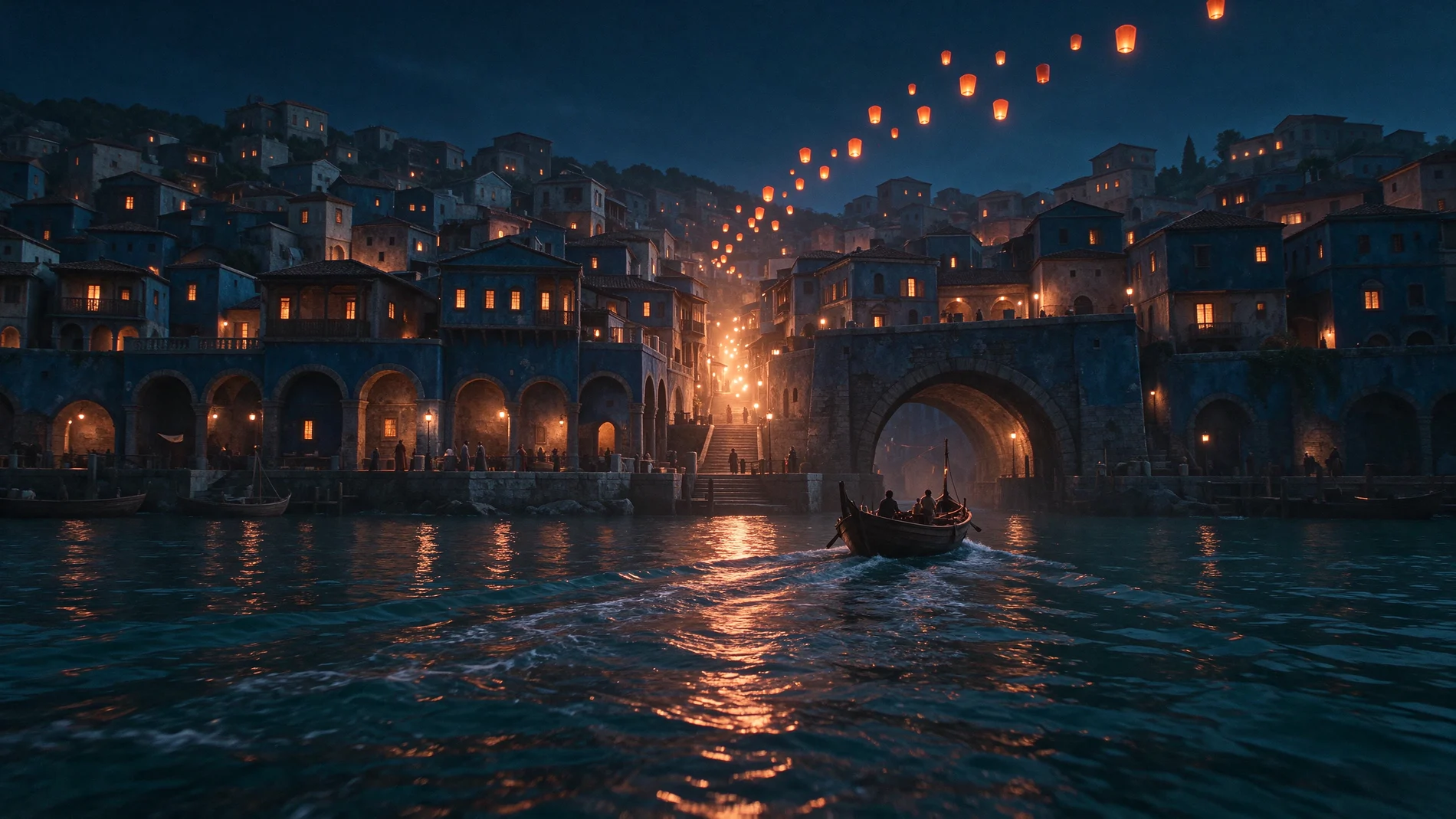
Lantern tide
Prompt 2K · 16:9
A cinematic wide shot from just above the water in a dense fictional harbor city during the first lantern ferry of the night. Deep indigo waterfront arcades step up a wet hillside, lit by warm windows. In the foreground, a long narrow wooden ferry sweeps toward an enormous stone arch, dragging a curved wake through the copper reflections. A gust sends a diagonal trail of orange paper lanterns up and across the blue sky. Human silhouettes on the quay give scale. Dark teal sea, wet stone, a single strong warm light path, realistic reflections and a clear sense of space. Film still, no lettering.
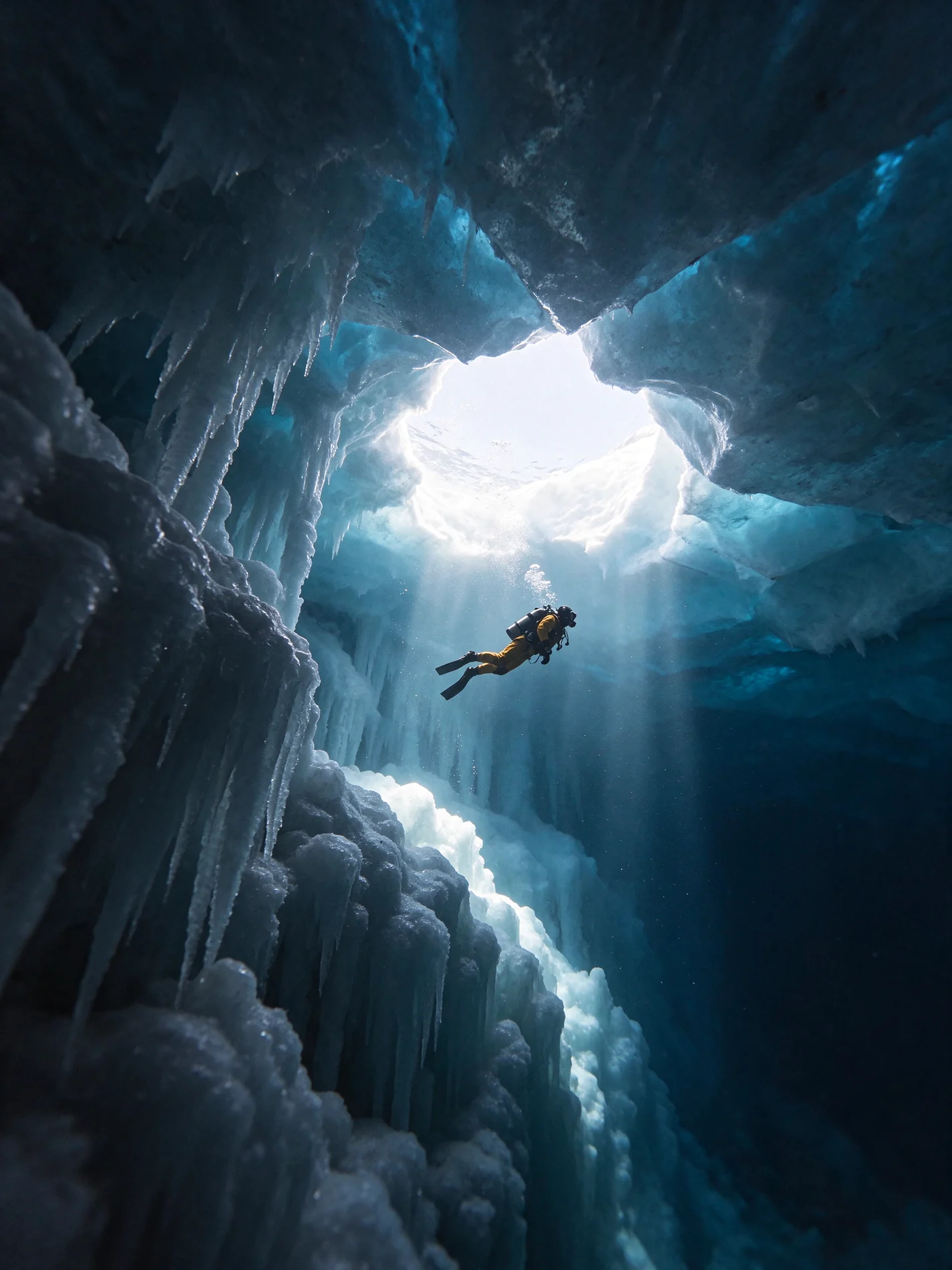
Beneath the blue ice
Prompt 2K · 3:4
Wide-angle underwater photograph from below an arctic ice shelf. Thick blue ice forms translucent jagged corridors above. One sea diver in a matte ochre drysuit glides below the bright opening, very small against the structure, with a thread of tiny bubbles catching the light. Foreground needles of ice fade into a deep ink-blue chasm. Natural shafts of refracted light, fine bubbles and ice textures, calm credible physics, editorial expedition photography.
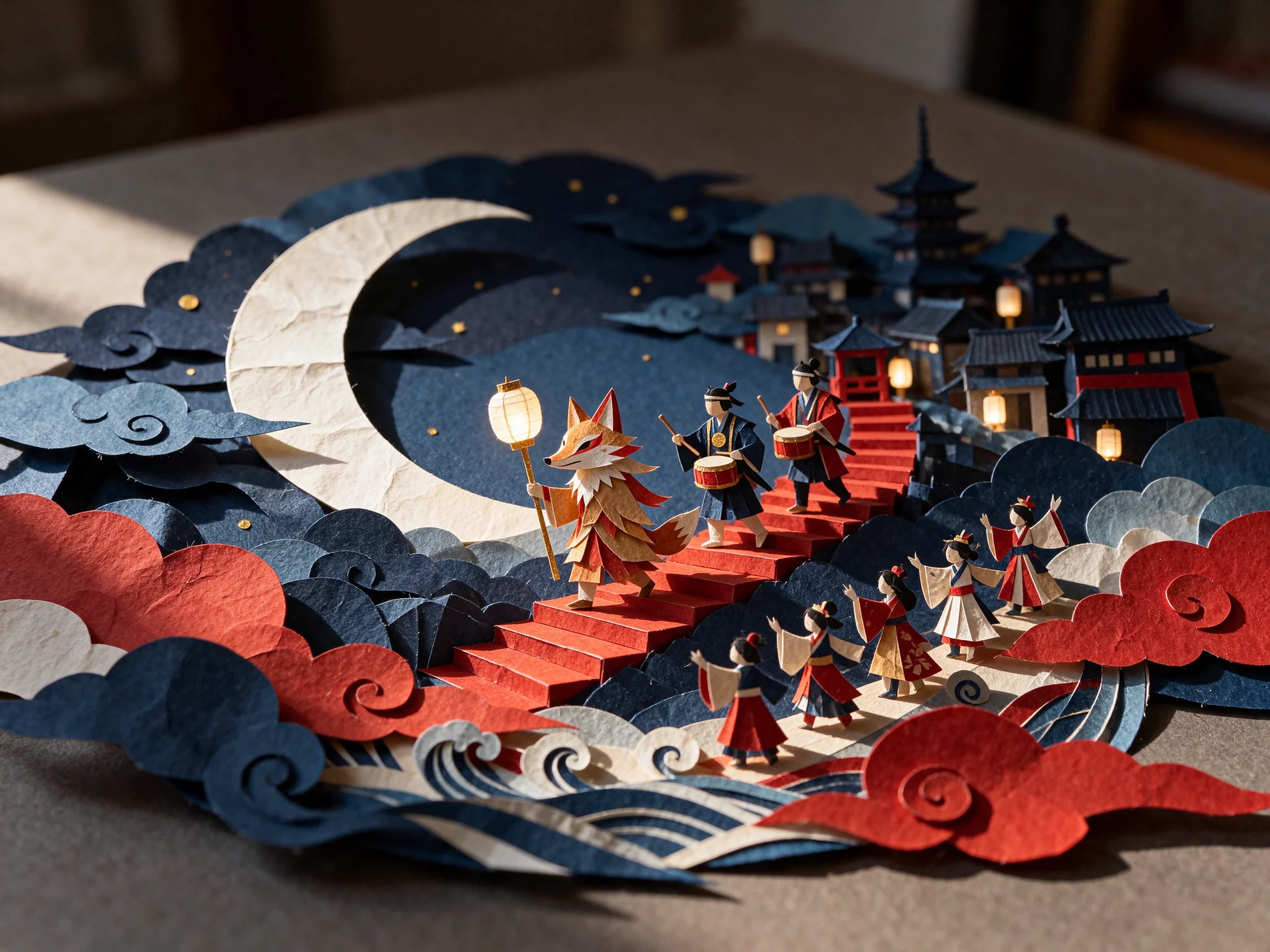
The paper moon parade
Prompt 2K · 4:3
A hand-built layered paper relief photographed on a warm gray table, depicting a night parade around a paper crescent moon. A fox lantern, two paper drummers and a line of small dancers climb red steps in a miniature town. Shape everything from thick dyed card with visible cut edges, softly folded fabric paper, short shadows and tiny paper fibers. Side light from high left. Indigo and vermilion, ivory moon, dull gold dots. Deep layering and readable silhouettes, no printed words.
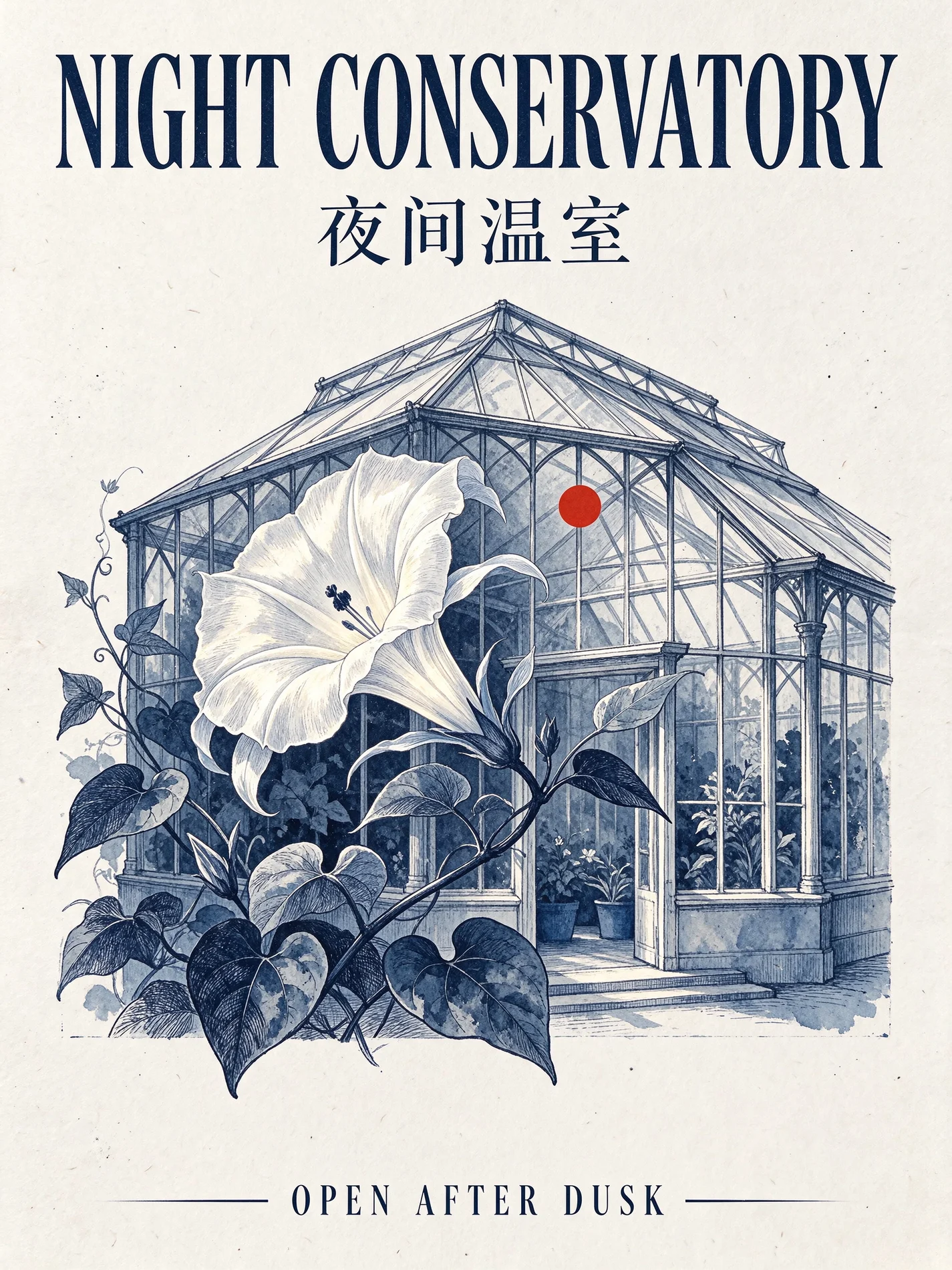
The night conservatory
Prompt 2K · 3:4
Graphic exhibition poster with a single luminous white moonflower in front of a midnight-blue greenhouse outline. Ink on thick warm-white paper with a subtle registration texture. Exact typography: place NIGHT CONSERVATORY in a bold tall condensed serif across the top, 夜间温室 below it in clean Chinese type, and OPEN AFTER DUSK in small letterspaced capitals on the bottom margin. Give each text block room to breathe. Small vermilion circle near the flower, sharply aligned grid, editorial hierarchy. No other writing.
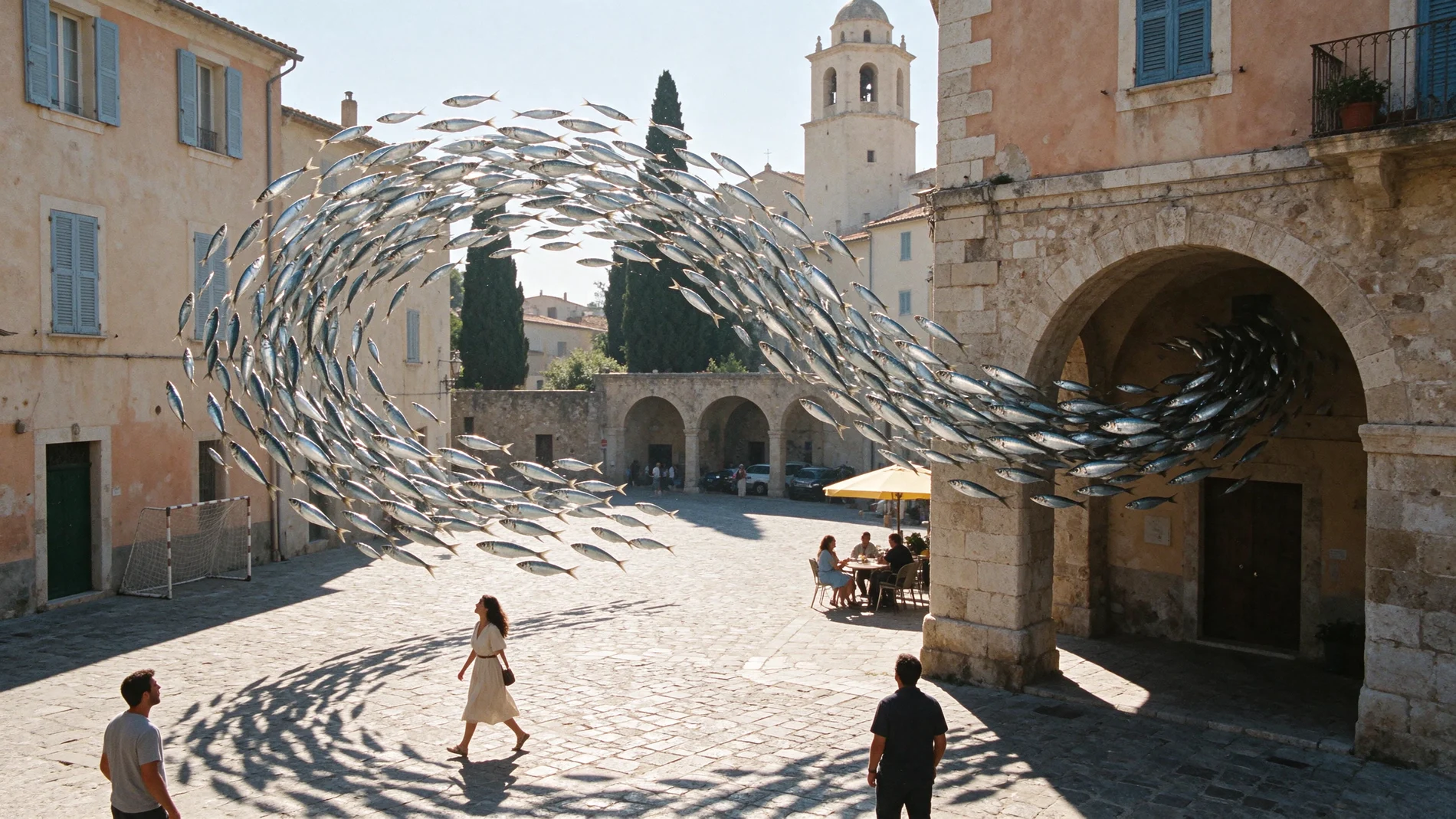
The sea comes ashore
Prompt 2K · 16:9
A surreal daylight street photograph in a cream-colored Mediterranean town square. A huge ribbon of silvery sardines swims in an arc through the open air above the cobbles and bends through a stone archway. A few people turn their heads in surprise, with natural gestures and distinct silhouettes. On the ground the fish cast sharp broken shadows alongside the real buildings. Sun-faded peach plaster, pale blue shutters, hard midday sun, luminous silver bodies and tactile film grain. Visually restrained except for the impossible school of fish.
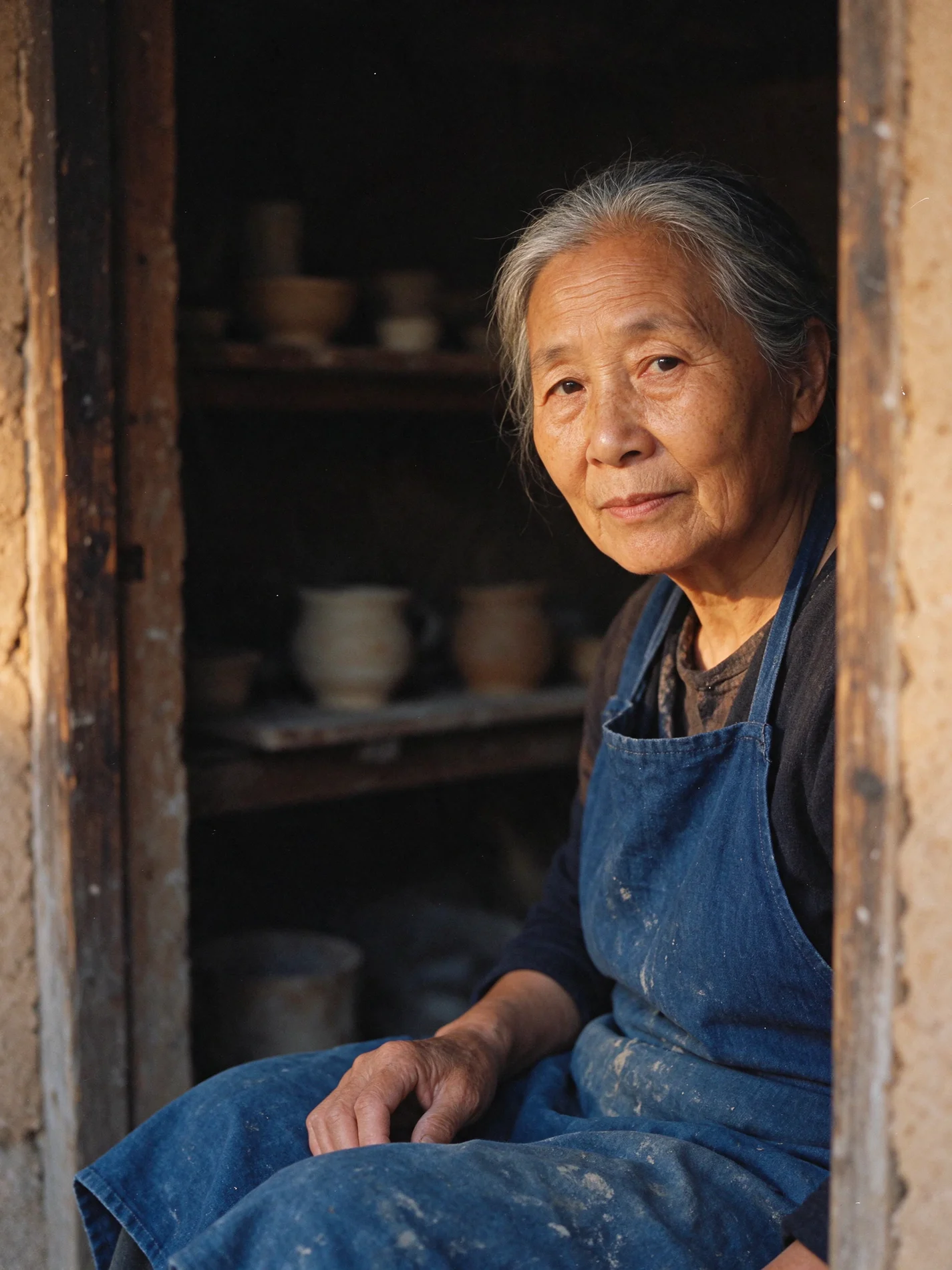
After the kiln
Prompt 2K · 3:4
Intimate documentary portrait of an older woman ceramicist sitting in the doorway of a village kiln workshop after work. Eyes resting on the viewer, gray hair gathered back, rough indigo apron with pale clay stains, one hand relaxed on her knee. Amber late-afternoon sidelight reveals fine skin lines and loose hair against dark shelving. A few ordinary hand-thrown pieces are softly visible in the background. Subtle earth tones, natural proportions, believable skin texture, 50 mm film portrait.
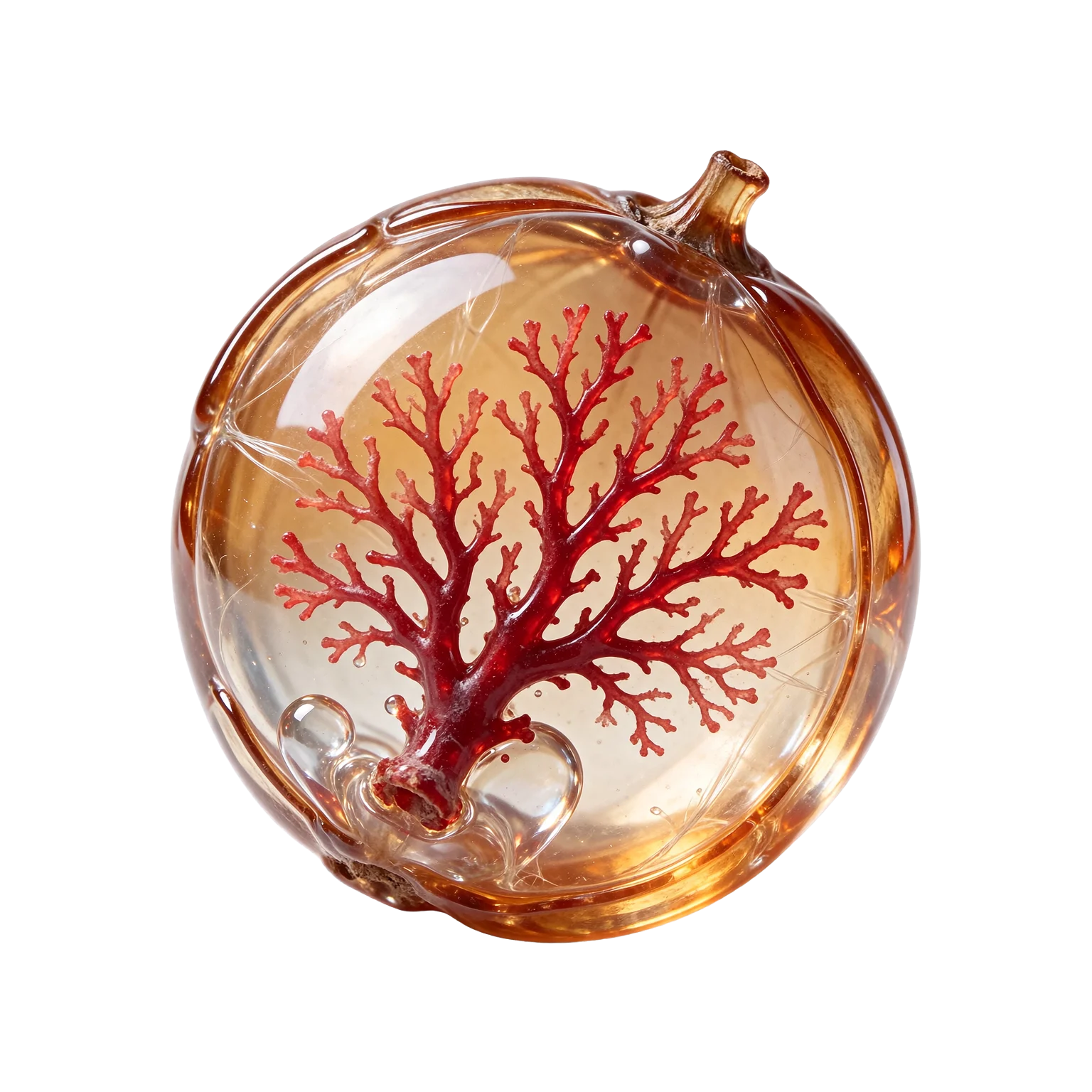
Coral seed
Prompt 1.5K · 1:1 · Transparent background
A single fantasy botanical seed made of translucent amber glass, shaped like a round seedpod with ridges and a small stem. Inside it an intricate ruby red sea fan branches like a tiny coral tree, suspended in a clear droplet. Center the isolated object and show every edge against genuine transparent RGBA. Preserve fine translucent filaments and the clear areas in the glass. Small natural highlights, no floor, no horizon, no shadow, no text.
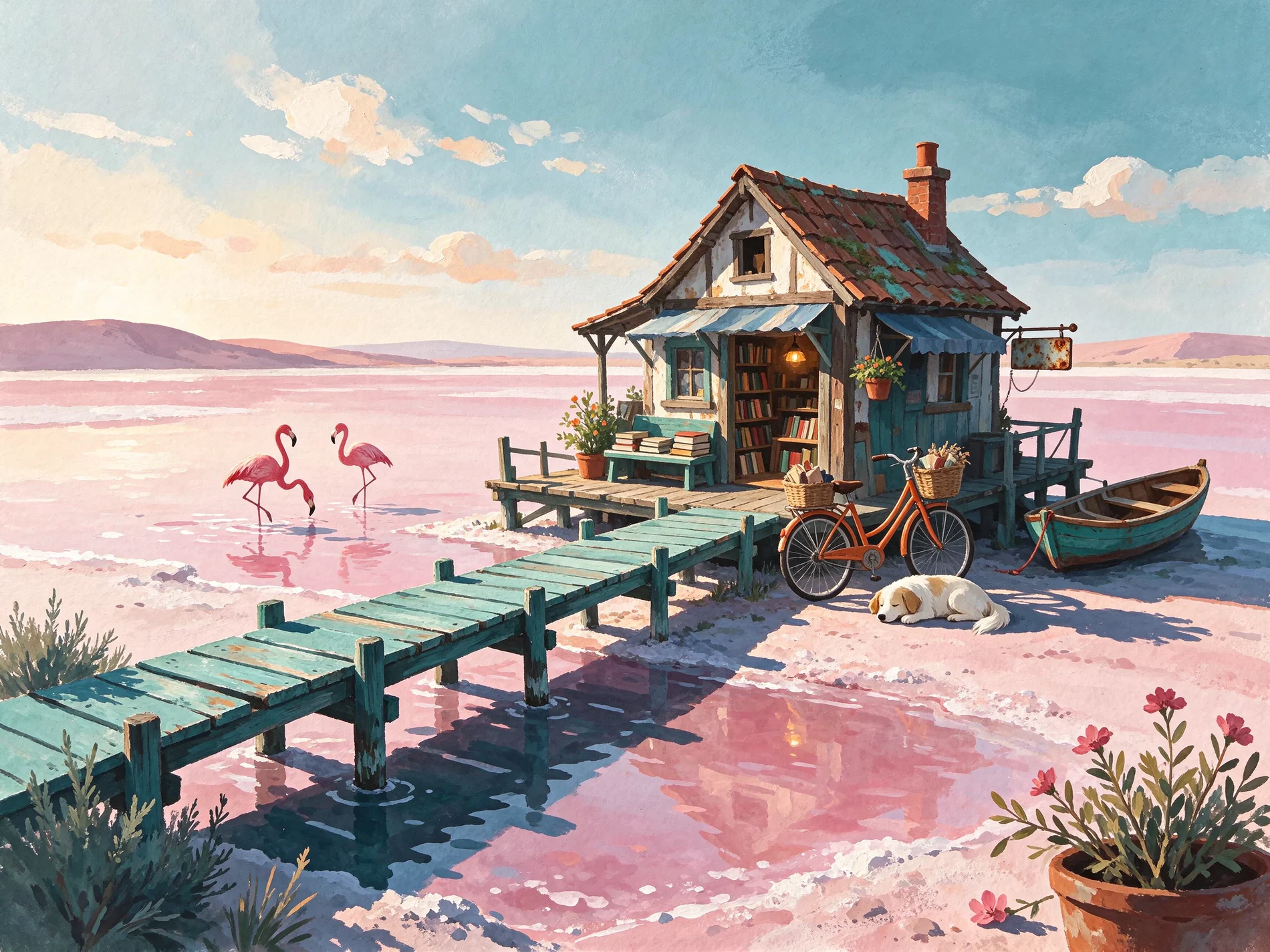
The salt lake bookshop
Prompt 2K · 4:3
Hand-painted gouache illustration for a storybook, afternoon on a vast pink salt lake. A tiny crooked bookshop on stilts stands at the end of a turquoise footbridge. An orange bicycle is propped beside the entrance, a white dog sleeps in its shadow, and two flamingos leave ripples in shallow water. Use opaque gouache brush marks, coral and teal against powder pink, dark ultramarine shadows, broad empty sky and small affectionate details. No printed words.
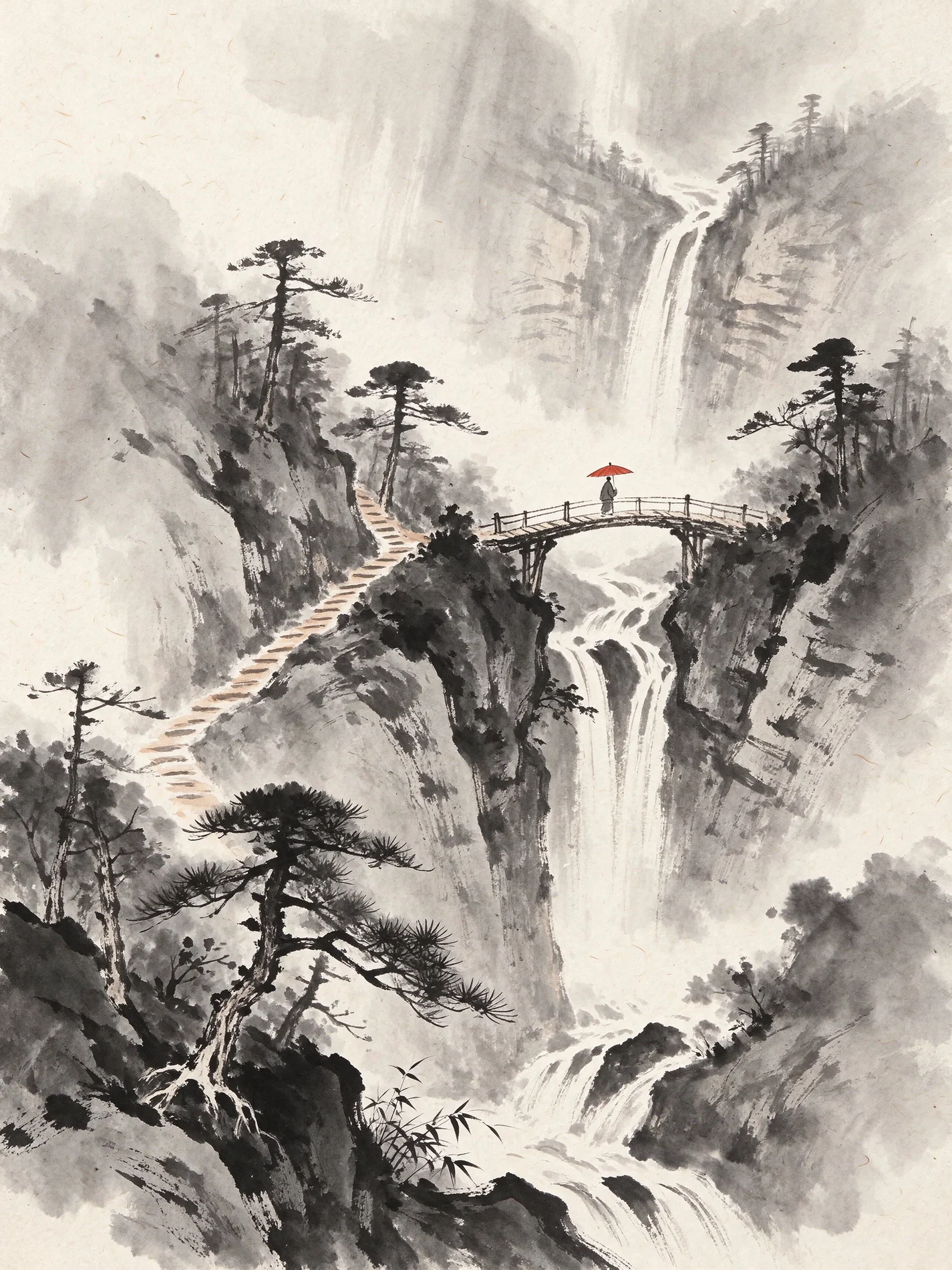
Rain in ink
Prompt 2K · 3:4
Black ink wash and dry brush on rough ivory paper, a vertical landscape of rain running down a mountain ravine. Layer distant cliffs in pale ink and use crisp broken marks for wet pines and the zigzag trail. A very small figure carrying a vermilion paper umbrella crosses a white bridge suspended across the gorge, the only colored mark. Use broad soft negative space where the waterfall falls, sharp bristle marks in the foreground and visible paper grain. No calligraphy.
Generation, editing, and layers
Compose from a brief
Describe the subject, lighting, and placement of key elements. Choose an aspect ratio for your layout.
Direct an edit with references
Attach up to 10 images and describe which details should change and which should stay in the composition.
Separate an image into layers
Upload one image to extract its layers as individual PNG files.
Frequently asked questions
Can I edit an existing image with Seedream 5.5?
Yes. Upload your image and any additional references, up to 10 images in total, then describe the edit in the prompt.
What resolutions are available?
Choose 1K, 1.5K, or 2K for generation and editing.
Can I generate a transparent PNG?
Yes. Choose PNG and a transparent background to create a cutout for compositing.
How do I split an image into layers?
Choose layer separation, upload one image, and set the maximum number of outputs, including the base image. You can add a prompt to guide the separation.